Circle base planner
Plans a large round build block by block, and tracks progress as you go.
Live demo
Try Circle base planner in your browser
This is the real tool, running in a sealed box inside your browser. It uses invented data and cannot reach the internet.
The live demo did not load. The screenshots on this page show the same thing.
Demo version, restyled to match this site. Nothing you do here is saved or sent anywhere.
The problem
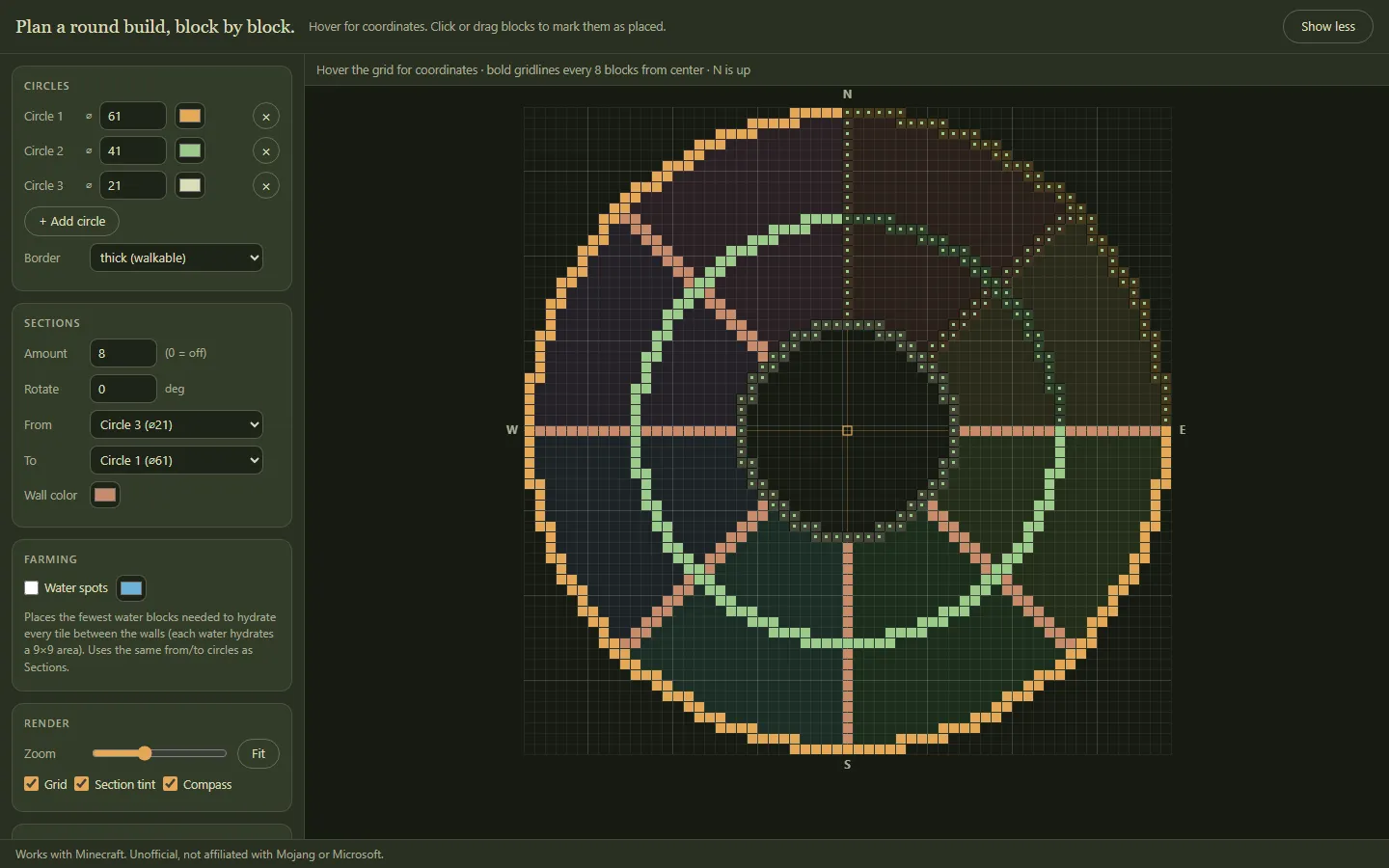
I was building a circular base in Minecraft. I needed a template with a hole in the middle and the circle split into even sections. Before, I used other websites and tools.
What I built
A planner in one file.
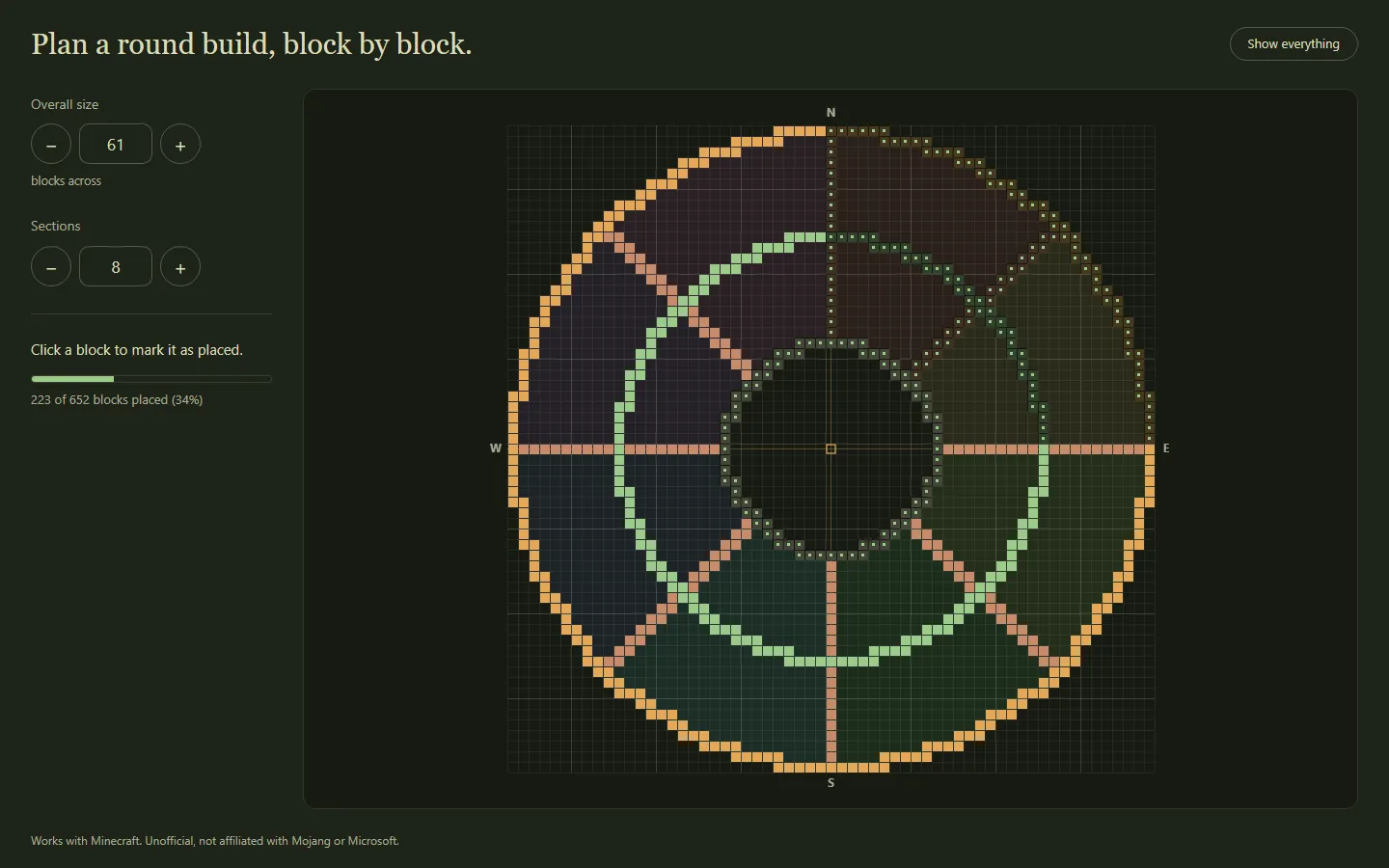
You set the rings and the number of sections. It draws the plan, counts the blocks, and gives a row-by-row guide. You click blocks as you place them, and it remembers your progress.
It can also work out where to put water so that a farm ring is covered with as few water blocks as possible.
The result
I built a real base with it. It mostly saved me time.
What this could save your team
Counting, layout and progress tracking are the same problem in a stockroom, on a floor plan or in an event setup.